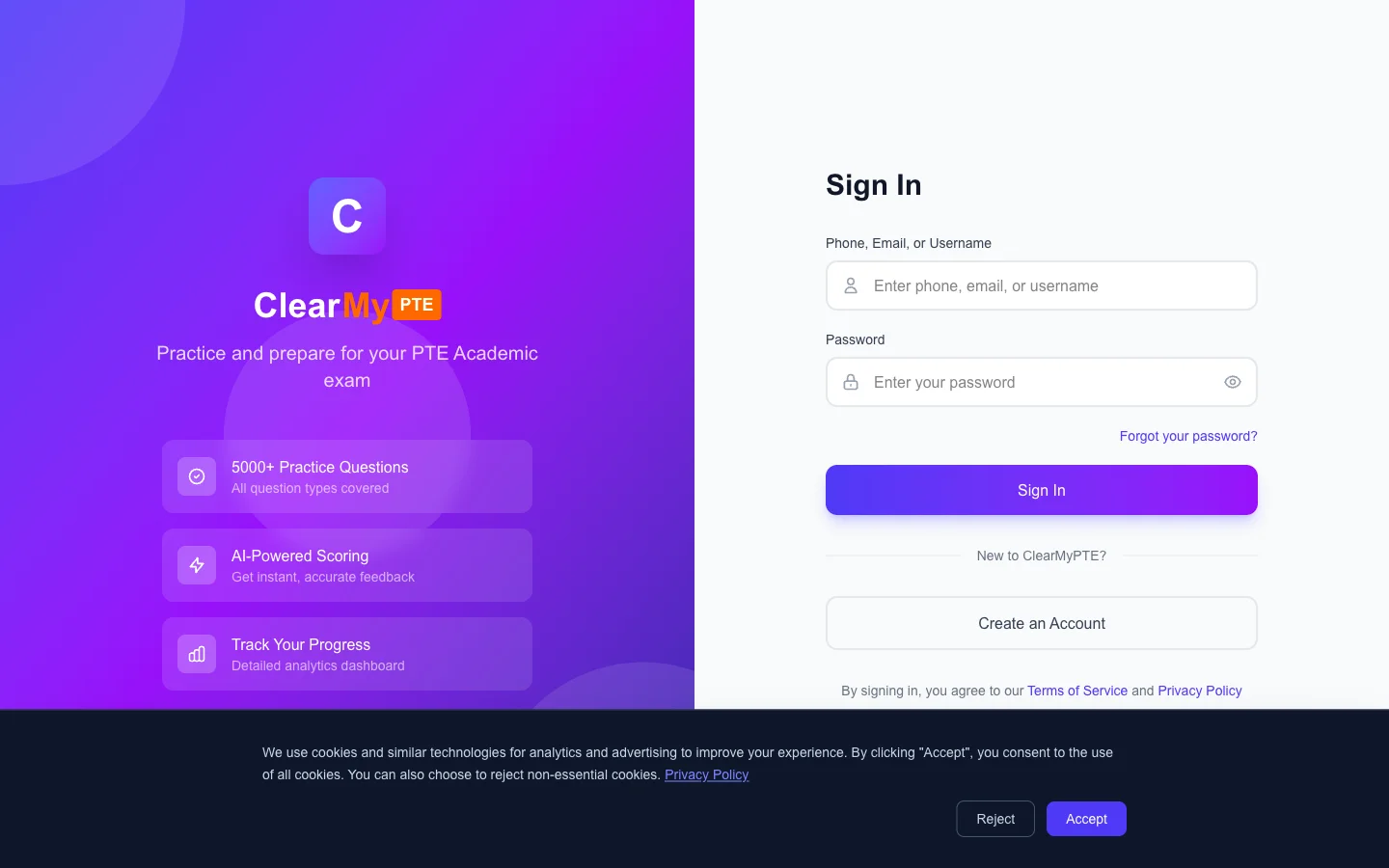
How to Log In
Logging In to ClearMyPTE
ClearMyPTE offers flexible login options so you can access your account whichever way is most convenient for you.
Login Methods
- Phone number — Enter the phone number you registered with (including country code) along with your password.
- Email address — If you have added an email to your profile, you can use it to log in.
- Username — If a username has been set on your account, you can use that as well.
Stay Signed In
Check the "Remember me" option on the login page to stay signed in across browser sessions. This is convenient if you are using a personal device and do not want to enter your credentials every time.
Forgot Your Password?
If you cannot remember your password, click the "Forgot Password" link on the login page. You can reset your password using either your phone number (via WhatsApp OTP) or your email address (via a reset link). See the Resetting Your Password article for detailed instructions.
If you continue to have trouble logging in, double-check that you are using the same phone number or email you registered with, and ensure your password is entered correctly (passwords are case-sensitive).