Setting Up Your Profile
Your ClearMyPTE Profile
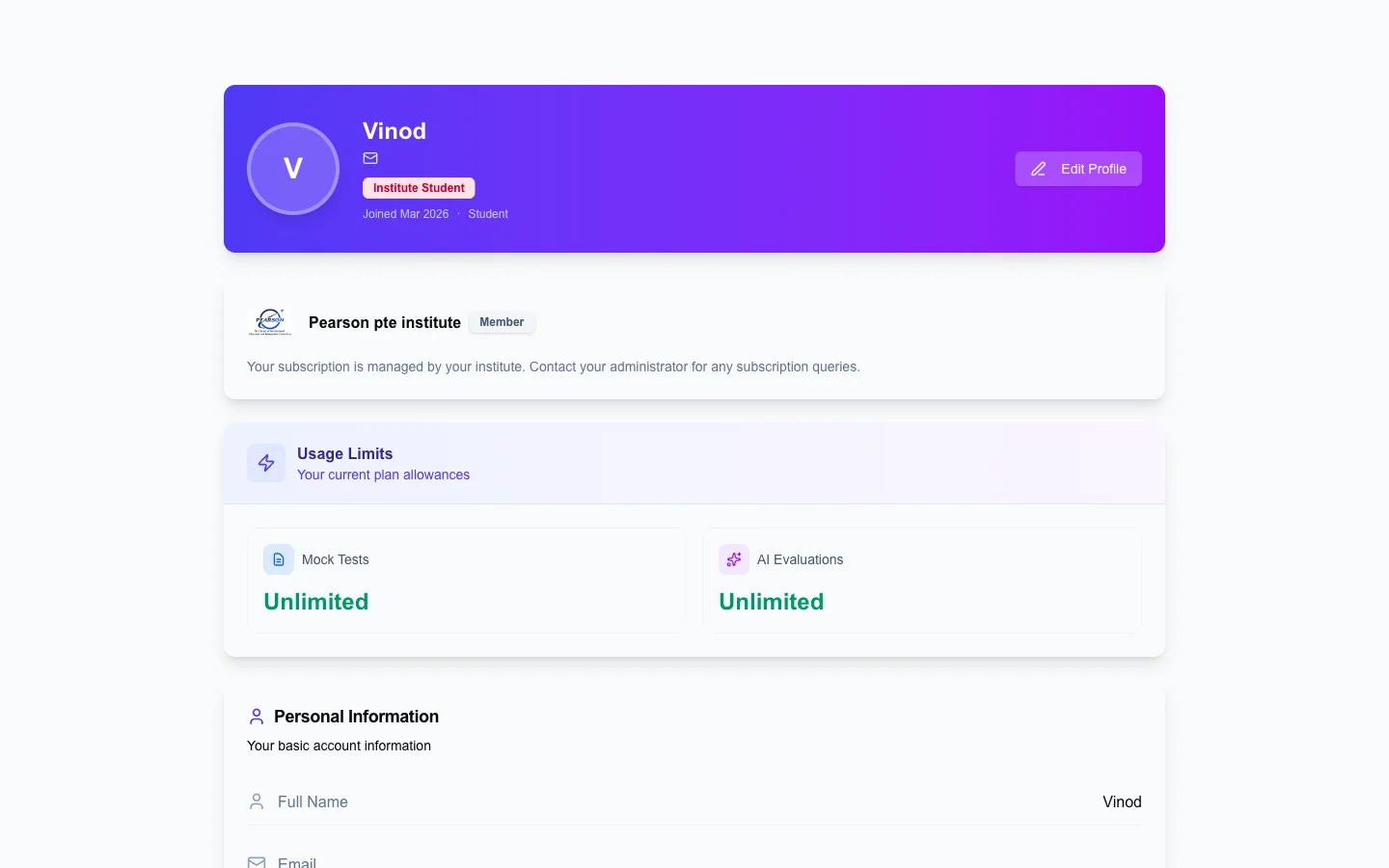
Your profile page is where you manage your personal information and view important account details like your subscription status and usage limits.
Editing Your Information
- Name — Add or update your first and last name at any time.
- Email — If you registered with just your phone number, you can add an email address here. This gives you an additional login method and a way to receive password reset links.
- Phone number — Your verified phone number is displayed with a green "Verified" badge. For security reasons, your phone number is read-only and cannot be changed after verification.
Viewing Your Usage Limits
Your profile page also shows a summary of your current plan and usage:
- Mock tests remaining (used vs. total allocated)
- AI evaluation credits remaining
- Any bonus credits earned through the referral program
Keeping your profile complete and up to date ensures you can recover your account easily if you ever forget your password, and helps you stay on top of your exam preparation resources.