Managing Notifications
Staying Informed with Notifications
ClearMyPTE keeps you informed about important events through an in-app notification system. You will receive notifications for various activities on your account.
Accessing Notifications
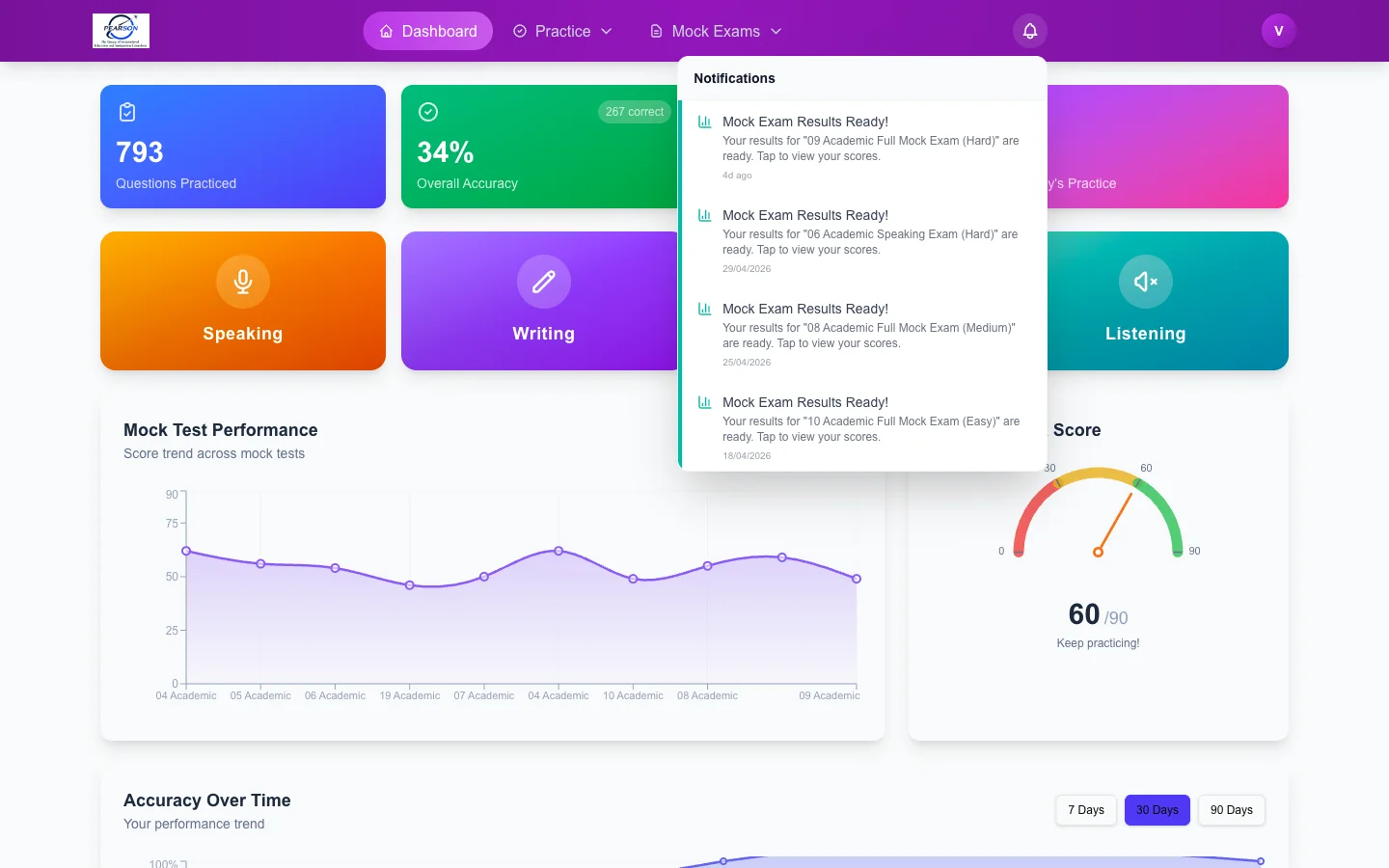
The bell icon in the top navigation bar shows your unread notification count as a badge. Click the bell to open the notification panel and see your recent notifications.
Managing Notifications
- Mark as read — Click on an individual notification to mark it as read, or use the "Mark all as read" option to clear all unread notifications at once.
- View history — Scroll through the notification panel to see older notifications. All notifications are kept in your history for reference.
Types of Notifications
You may receive notifications for the following events:
- Welcome — A welcome message when you first create your account.
- Referral updates — When a friend registers using your referral link or when a referral converts and you earn rewards.
- Plan upgrades — Confirmation when your subscription plan is activated or upgraded.
- Bonus credits — When bonus mock tests or AI evaluation credits are added to your account.
- Score completions — When AI scoring finishes processing your exam or practice responses.
Check your notifications regularly to stay up to date on your account activity, especially after referring friends or completing mock exams.